
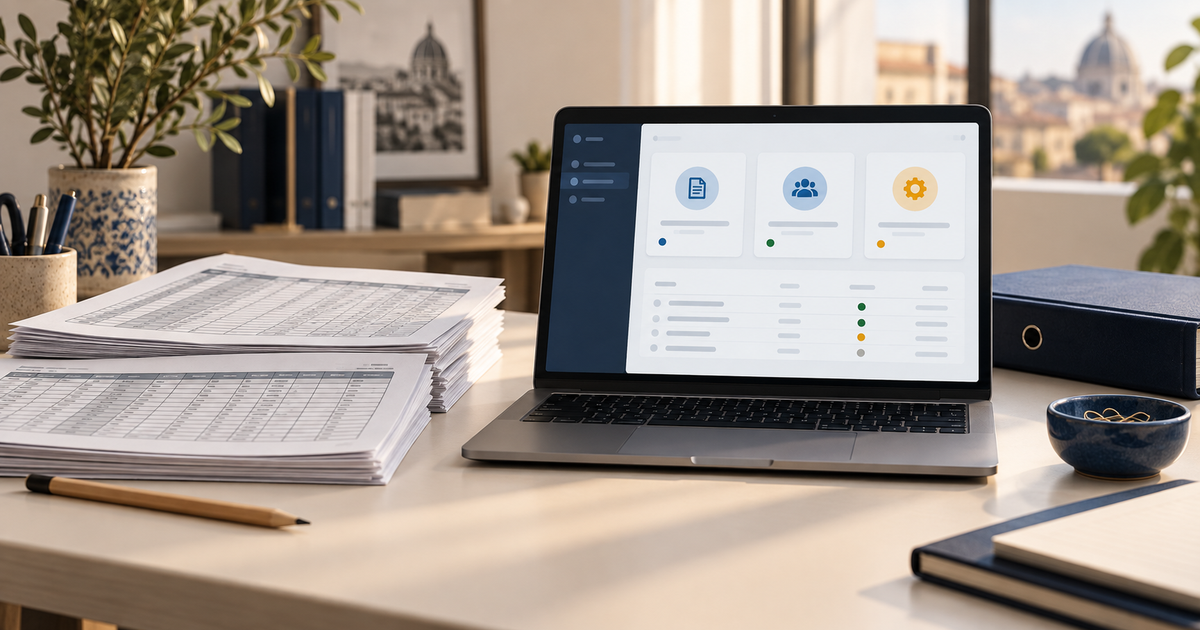
Moving from Excel to business software makes sense when spreadsheets no longer represent how the company needs to work. The issue is not simply the volume of data. Consider who edits it, which decisions depend on it and which checks are needed between activities.
A well-organised workbook can remain a suitable tool. But if each quote requires three files, order statuses are updated verbally and only one colleague understands every formula, examine the process. Before commissioning software, establish what actually needs to change.
Signs that justify an assessment
Observe a week of work and record concrete incidents. “Excel has become complicated” is too broad a problem to design a useful solution around.
| Sign | Question to check | Possible requirement |
|---|---|---|
| Different copies of the same records | Which copy is authoritative? | A shared source and update rules |
| Data retyped between files and tools | How often is the same customer entered? | Connected records and integrations |
| Uncontrolled formula changes | Who checks a change to a calculation? | Versioned rules and test cases |
| Status updates through email or chat | Who owns the next step? | Assigned tasks and explicit statuses |
| Access to too much information | Does each person see only what they need? | Role-appropriate permissions |
| Work stops when a colleague is away | Where are exceptions documented? | Clear procedures and shared responsibility |
Do not assume Excel cannot support collaboration. Microsoft documents co-authoring and version history, subject to storage and version requirements. If exchanging attachments is the only problem, improving the existing environment may be enough.
Business software becomes more useful when you also need relationships between customers, jobs and documents, mandatory process steps, differentiated access and links to other systems.
Compare three options before developing software
The first option is improving the existing workbooks with shared storage, consistent names, validation, protected formulas and defined responsibilities. This can be appropriate when the process is simple and the risk remains manageable.
The second is standard business software, or configurable tools already available in the company. Test the complete process with sample data: imports, daily work, reporting, exports and costs for the required users. A feature shown in a sales presentation may require another plan or an additional module.
The third is custom software, when essential functions are missing, the process is distinctive or integrations need specific development. Include maintenance, security, training and data export in the comparison. Our guide to custom versus off-the-shelf business software explores that decision.
Understand the data before importing the files
A spreadsheet often mixes data, formulas and informal conventions. A yellow cell might mean “call back”, a hidden row might contain an exception and a code might have significant leading zeros. Moving visible cells alone can lose the meaning of the work.
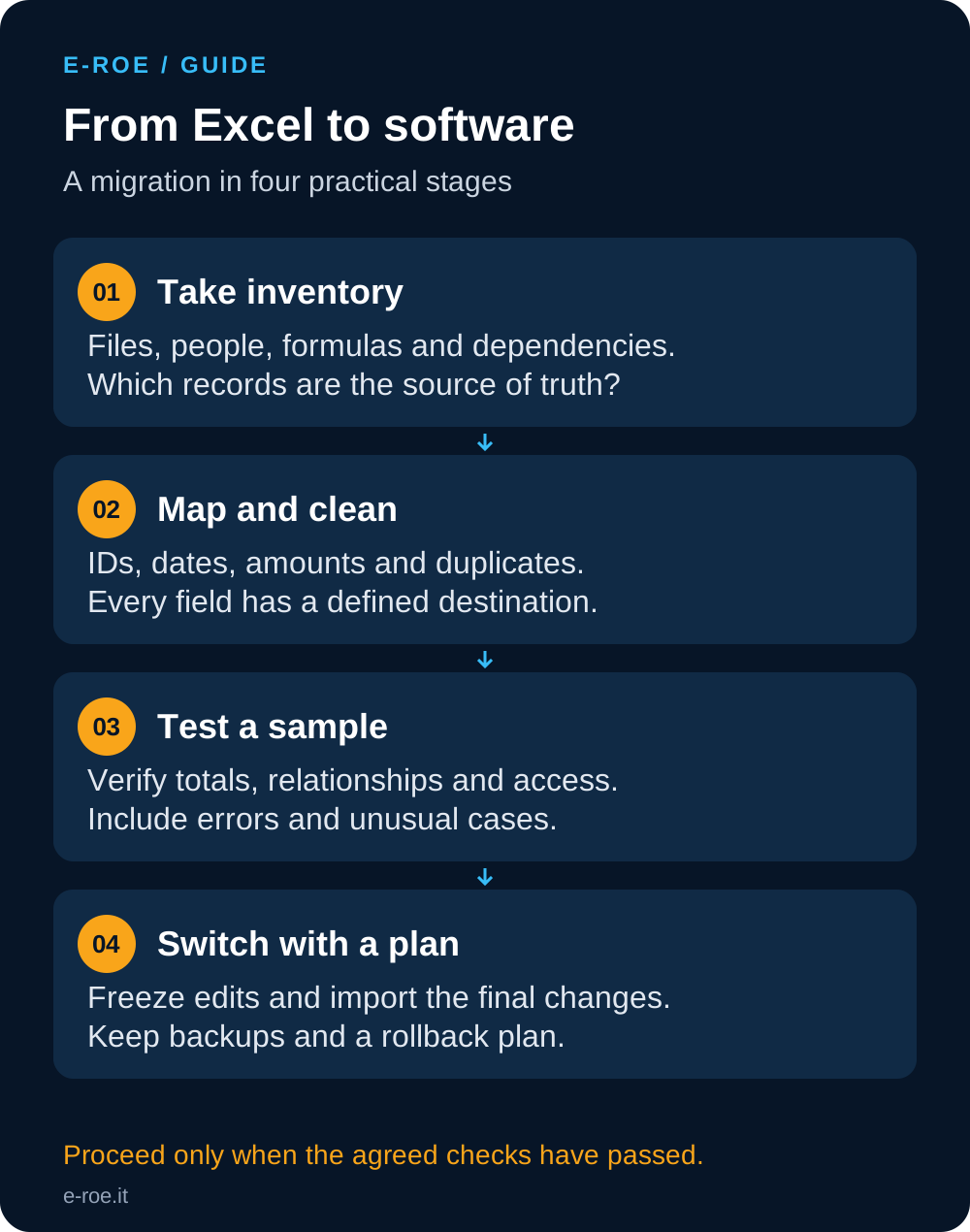
Create an inventory of files, owners, update frequency, active sheets and external links. Keep a reference copy and decide which records belong in the new system. Not every historical record must become operational: some archives can remain available as read-only references, with access and retention defined.
Map fields, identifiers and formulas
Mapping connects each piece of information to its destination. Specify the data type, whether it is required, any transformation and how errors should be handled.
| Spreadsheet information | Possible destination | Required check |
|---|---|---|
| Customer code | External identifier | Uniqueness and leading zeros |
| Business name | Customer record | Duplicates and spelling variations |
| Planned date | Delivery date | Format, missing values and invalid dates |
| Calculated amount | Total or calculation rule | Decimals, rounding and VAT treatment |
| Cell colour | Explicit status | Meaning agreed with the people using the file |
| Document link | Attachment or reference | Availability and document permissions |
Do not use the customer’s name as the only identifier. Different organisations may have similar names, and one customer may be entered in several ways. Produce a list of potential duplicates for review instead of automatically deleting ambiguous records.
Formulas need separate attention. If totals depend on discounts, minimum quantities or rounding, document those rules and prepare cases with known expected results. Importing a final value does not transfer the calculation itself. Microsoft’s data import documentation illustrates how formats and mappings depend on the destination system. Your plan needs to fit the system you choose.
Test normal cases and exceptions
Choose a sample that represents real work: an active customer, a duplicate, an open order, a cancelled document, an empty field and an unusual amount. A sample containing only perfect rows does not test the migration adequately.
Compare expected and imported record counts, relevant financial totals, customer-to-order relationships, attachments and rejected rows. Count deliberate exclusions separately from failures. Matching totals can still conceal incorrect associations.
Then ask the people who will use the application to complete an activity from entry to closure. Test access too: an unauthorised user should be blocked by the system, rather than simply asked not to open a screen.
Plan the switch without competing sources of truth
Define a migration window and an owner for the final decision. Prepare verified backups and a rollback procedure. Agree what happens if the import or its checks fail.
At the agreed time, freeze changes to the original records, import the final updates and repeat the acceptance checks. Work in the new system starts only after acceptance. The previous archive can remain available for reference, but everyone must know where records are now updated.
A comparison period can help validate results, but it needs rules. If everyone freely edits both systems, reconciliation becomes another problem. A rollback also needs to account for transactions recorded after the switch; restoring an older file is not enough on its own.
What determines cost and timing?
The main factors are the number and quality of data sources, rules to reconstruct, integrations, permissions, training and initial support. A thousand inconsistent rows can take more effort than a much larger, well-structured dataset.
For a useful assessment, prepare an anonymised example file, a list of roles, one activity described step by step and its most frequent exceptions. Include the systems that must exchange data and the exports that must remain available. This defines an initial scope without inventing a price before analysis.
Through E-ROE’s custom business software service, we can assess the process and determine whether to configure an existing solution or develop missing parts. The purpose is to make work manageable and verifiable. Moving rows is just one step.