A client asks for the status of a case. A colleague searches for the latest version of a document. The office re-enters information from an email into its management system. A custom business portal may help in these situations, provided it makes clear who does what, where the correct data lives and what must happen next.
Do not start with a list of screens. Start with a repeated task that currently takes too much searching, manual transfer or checking between people. Then decide whether to organise the tools you already have, connect them or develop a dedicated web application.
The short answer: when a portal is useful
A portal can help when clients, staff or suppliers need to see current information or take action in a shared process: submit a request, upload a document, check a case status or approve a step. The value lies in fewer repeated questions and duplicate entries, not in the login screen itself.
Not every problem needs new software. If everyone needs to read the same information, a public website page may be enough. If a small, stable group only needs to share a few files, an existing tool configured well may be sufficient. Custom development becomes worth considering when specific roles, data rules and integrations make the compromises of a standard product more costly than a dedicated project. E-ROE’s comparison of custom and off-the-shelf software helps with that initial choice.
Begin with three tasks, not thirty features
Collect the requests your team receives in a normal week and group them by the outcome people need. Your first table can be simple:
| Repeated task | Who starts it | Who must act | Verifiable outcome |
|---|---|---|---|
| Ask for an update | Client | Internal contact | Clear status and date of last update |
| Send a document | Client or colleague | Assigned operator | File received and linked to the right case |
| Approve a proposal | Authorised contact | Sales team | Decision and document version recorded clearly |
These are example workflows, not features of an existing E-ROE product. Replace them with the actual steps in your organisation. If nobody can say who confirms a document or what “case completed” means, automating the process will make the uncertainty faster rather than remove it.
For every task, list exceptions too: an incorrect file, a duplicate request, an absent contact, a withdrawn approval or an external system that does not respond. Exceptions often determine much of the development work.
Define roles and permissions before the interface
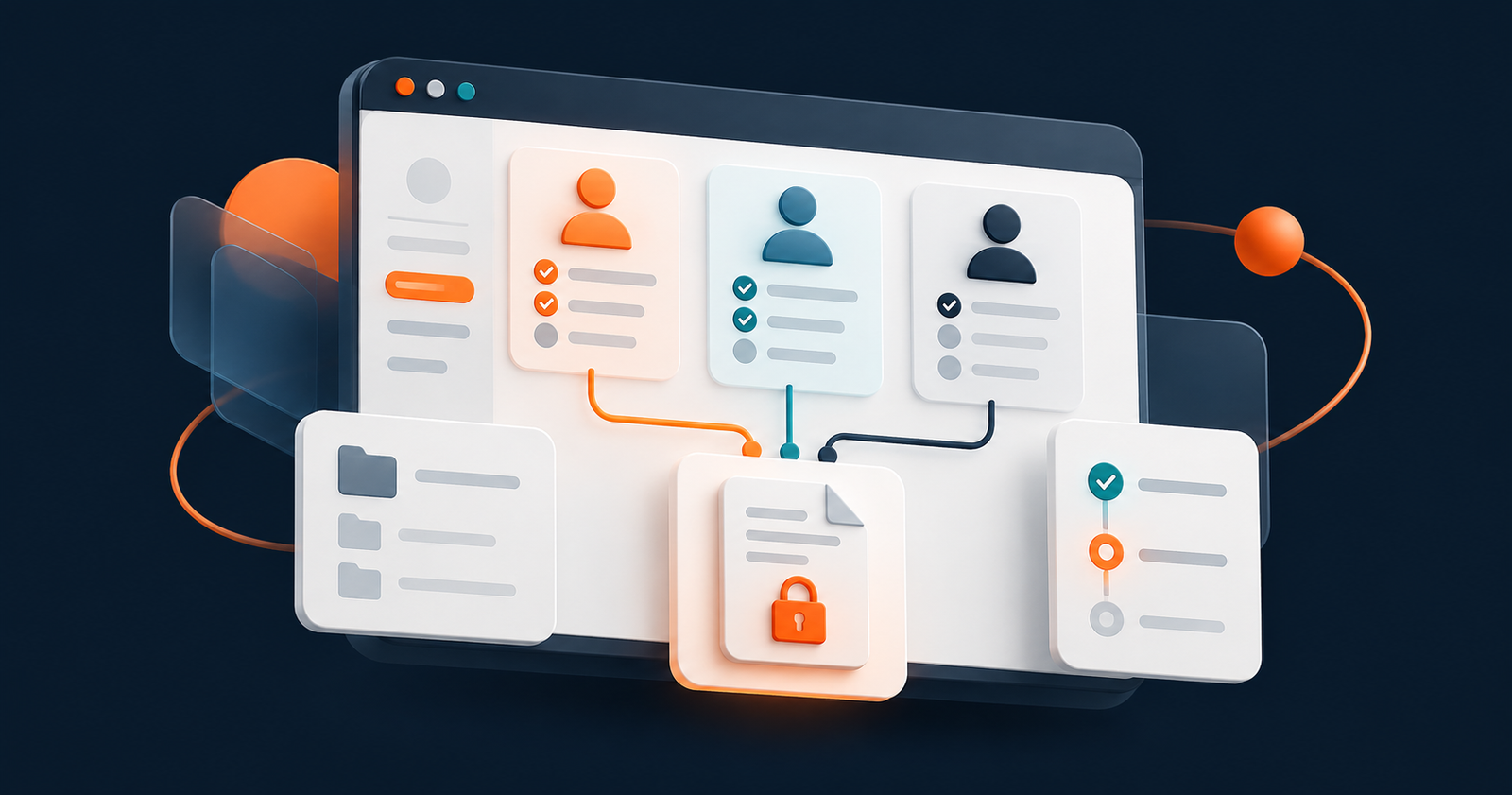
“Client” and “operator” are often too broad. One client company may have several contacts with different access rights; an internal colleague may only work on some cases. For each role, write down which actions it can perform on which records:
| Example role | Can see | Can do | Must not be able to do |
|---|---|---|---|
| Client contact | Cases belonging to their company | Open requests and download authorised files | See another company’s cases |
| Operator | Assigned cases | Change status and add documents | Change global permissions |
| Team lead | Their team’s cases | Assign work and check outcomes | Act outside the assigned scope |
Adapt and test this matrix. The OWASP Authorization Cheat Sheet recommends denying access by default and checking permissions on every request. An obscure link, a noindex document or a login page does not replace access control on the file itself.
A useful test creates two fictitious companies, two users with different roles and sample documents. The second user must not be able to read the first company’s data even with the direct file address. Test logout, account revocation and attempts to open unassigned cases as well.
Give each piece of data a reliable source
Before promising an “always up-to-date” dashboard, ask where each piece of information originates. Does the client enter it in the portal? Does a status come from the management system? Does an invoice come from accounting software? Does an employee update it manually?
For each important field, define its owner, source, update frequency and behaviour when something fails. If two systems can change the same status without a rule, the portal may show different truths on different screens. Showing the last update time and a clear integration error is better than presenting uncertain data as current.
Our guide to designing custom business software covers process analysis, data, migration and testing in more detail. For a portal, the additional question is who may see and use each piece of data across company and role boundaries.
Choose a useful first release
A portal does not need documents, chat, tickets, payments, a calendar and notifications on day one. Choose one complete path from request to outcome. For example, a client opens a case, the team takes it on, the status changes and the client finds the answer. If documents are the main problem, the first path might cover upload, review and authorised download.
The first release is useful only if it includes what people need to use it safely: access control, error messages, mobile testing, backup and someone responsible for following up requests. Postponing these parts does not make the project smaller; it moves the problem to the day clients are invited in.
Before adding more functions, observe how many requests actually use the portal, where people get stuck, which emails and calls still recur and which steps remain manual. Do not promise a percentage of time saved without measurements before and after.
What to bring to the first development discussion
You do not need a fifty-page specification. Prepare a brief that makes a real process discussable:
- Goal: which task should become easier, and for whom?
- Three priority workflows: how do they start and end, who participates and what exceptions arise?
- Roles: who can see, create, edit, approve or delete each item?
- Data: where does it live today, in what format and who keeps it correct?
- Connected systems: which integrations are essential for the first release?
- Operational constraints: devices used, approximate volumes, support responsibilities and service continuity.
- Acceptance checks: which real scenarios and denied-access cases must pass before opening the portal?
Also ask how code ownership, accounts, data exports, maintenance and external service costs will work. These belong in the proposal and contract, not in a conversation after delivery.
Frequently asked questions
Is a business portal the same as a showcase website?
No. A showcase website introduces the business, its services and contact options to the public. A portal manages information or actions reserved for identified users. They can be part of the same journey, but their content, permissions and tests differ.
Can we start with an existing product?
Yes, if it supports the necessary workflows and permissions without excessive manual work. A trial with real cases reveals more than a commercial feature list.
How much does a custom portal cost?
A single figure is not meaningful before defining roles, data, integrations, migration and support. Our guide to the cost factors of custom business software can help you compare proposals with the same scope.
How do we know the first release is ready?
A user can complete the priority path, errors are understandable, data is consistent and denied-access tests pass. People who will use the portal daily need to take part in acceptance testing.
Next step
If your team is considering a portal for clients, colleagues or internal processes, begin with one concrete workflow and the roles involved. E-ROE designs custom business software around real operations. Tell us which task you want to simplify so we can consider whether an integration, an existing product or a dedicated project fits best.