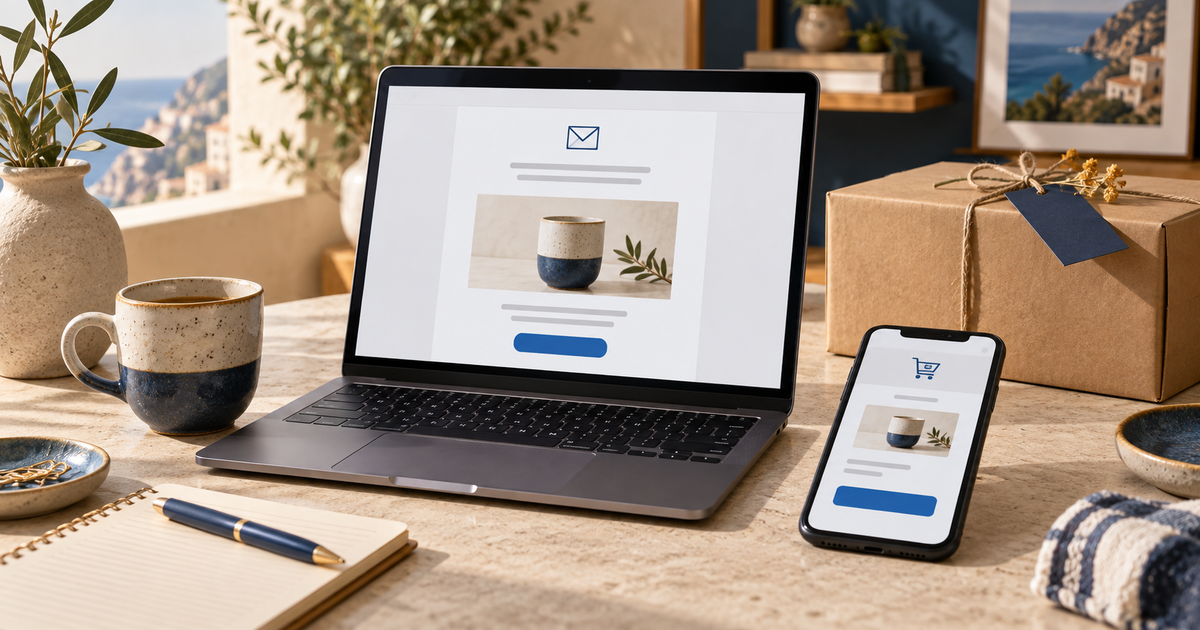
A useful abandoned cart email helps someone resume a decision. It reminds them what they were considering, makes returning to the cart straightforward and addresses a specific obstacle. Adding a discount code immediately is not always the answer.
Here are five original examples, each with a subject line, preview text, message and button. They are alternative templates to adapt, not a five-email sequence. Replace the fields in square brackets with accurate information: they are editorial placeholders, not platform variables ready to paste into an automation.
For events, timing and setup, start with our guide to abandoned cart and checkout emails. This article focuses on choosing and writing the message.
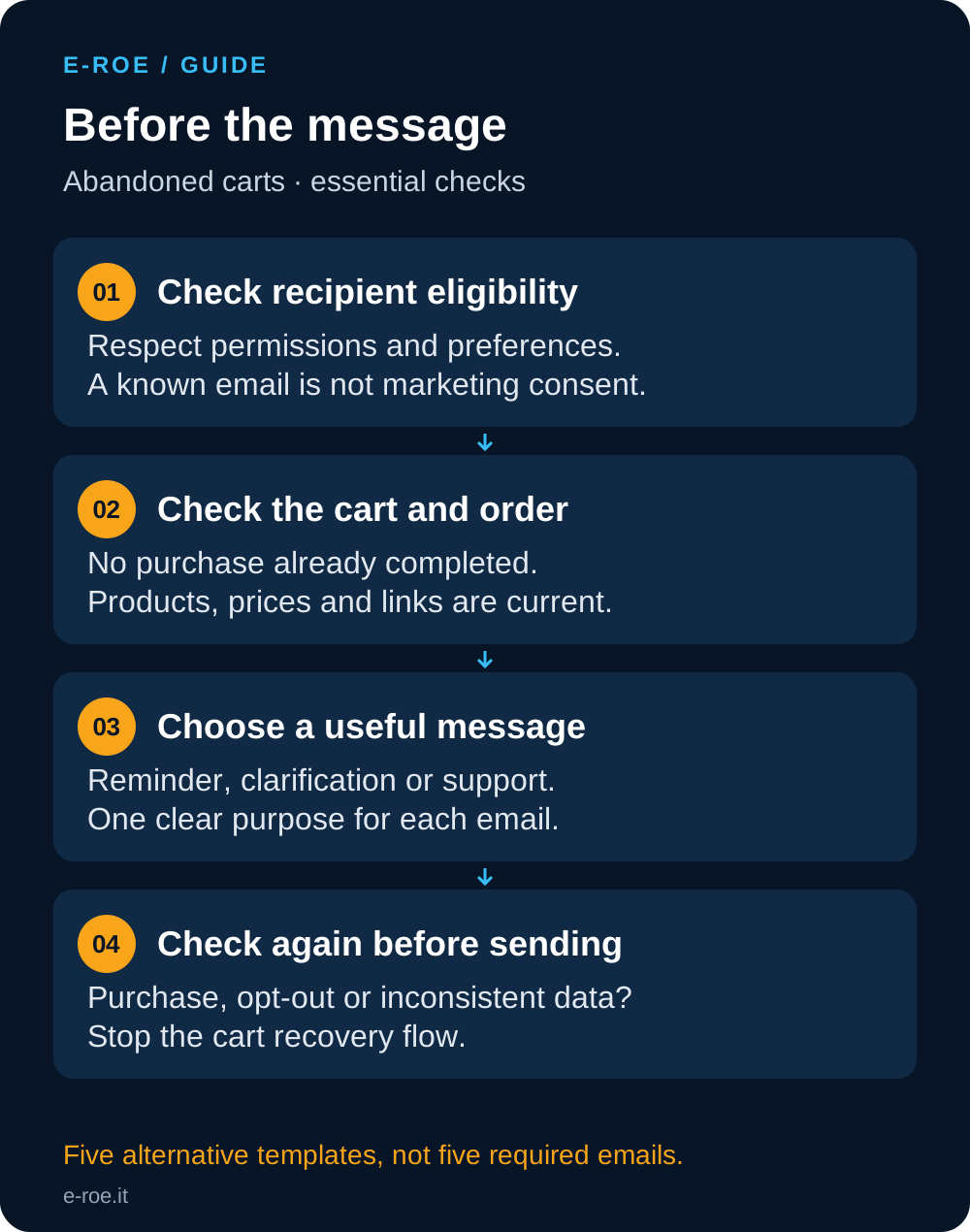
Before writing: who is eligible to receive the email?
Knowing an email address does not mean you have marketing consent. Before activating a promotional sequence, check consent, preferences and applicable requirements with the person responsible for your store’s privacy arrangements. Always respect opt-outs.
For an Italian store, the Italian data protection authority has distinguished a single message strictly limited to recovery from promotional communications in a specific case. That is not blanket permission to email a sequence to everyone who starts checkout. See the 17 July 2024 decision discussing cart recovery.
The commercial templates below assume the recipient is eligible for the communication. This check comes before testing a subject line. Stores serving other jurisdictions also need to assess their applicable rules.
1. The simple reminder: resume without pressure
Use this to make returning to the cart easy, without assuming the customer has a price objection or needs an incentive.
Subject: Pick up where you left off
Preview: Find the products you were considering.
Hi [name],
here is the link to your cart with [product]. You can review your selection and check the total before completing your order.
If you need more information, you can find our contact details on the support page.
Button: Review your cart
Include the correct image, variant and quantity. Do not say you have reserved the item unless your system actually reserves stock. The link should open the right cart on a phone too, without exposing personal information in the page address.
2. The clarification: delivery and conditions
Use this when questions received by support concern delivery, extra charges or returns. Do not assume this is every customer’s objection.
Subject: Before you order: delivery and useful information
Preview: Check the conditions for your purchase.
Hi [name],
considering [product]? Our [delivery information page] explains the areas we serve, delivery methods and estimated timings. The cost for your address is shown at [actual checkout step].
You can also review our [returns conditions] before deciding.
Button: Review products and total
Do not promise free shipping or free returns if thresholds, exclusions or charges apply. If the final price appears too late, improve the buying journey first. An email does not replace a clear checkout.
3. Help with choosing: answer a practical question
For products with sizes, measurements, compatibility requirements or variants, choosing the right option may be the obstacle. Offer real help, with someone available to handle replies.
Subject: A question before choosing [product]?
Preview: We can help you check [measurement or compatibility].
Hi [name],
before choosing [product], it can help to check [required detail]. Our [guide] explains how to verify it.
If you still have a question, reply with [useful information] so our team can help you assess the available options.
Button: Read the guide
If nobody monitors the reply inbox, use your actual support channel instead. Avoid promising an immediate reply when support has specific operating hours. The button links to the guide because the immediate purpose is to resolve the question.
4. The use case: help evaluate the product
A considered purchase may need a useful example more than another reminder. Use verifiable content relevant to the item in the cart.
Subject: How to assess [product] for [specific use]
Preview: A guide to deciding whether it fits your needs.
Hi [name],
our [guide or product information page] covers [relevant feature], including an example of use and the main limitations to consider.
It can help you evaluate [product] with more information before completing your choice.
Button: View the product guide
Do not invent reviews, customer numbers or results. Verify the source and publication permission for any testimonial. One customer’s experience should not become a promise to every reader.
5. The incentive: only with sustainable conditions
Consider this when an approved promotion exists and the margin supports it. Automatically discounting every cart may reward customers who would have purchased anyway.
Subject: [Real benefit] for your next order
Preview: Here are the offer conditions and eligible products.
Hi [name],
[benefit] is available for [eligible products or recipients]. Use [code or method], subject to these conditions: [threshold, exclusions and actual validity].
Check the updated total in your cart before confirming.
Button: Check the offer in your cart
Include an expiry only if it exists and is enforced. Check whether discounts can be combined, which products are excluded and how returns are handled. A recovered order with insufficient margin is not automatically a successful outcome.
How to choose a template
| Observed situation | Template to consider | Check before sending |
|---|---|---|
| Interruption without a known objection | Reminder | Current cart and working link |
| Frequent delivery questions | Clarification | Conditions match checkout |
| Questions about fit or compatibility | Help with choosing | Useful guide and monitored support |
| Product requires careful evaluation | Use case | Verified content and claims |
| An approved, sustainable promotion | Incentive | Margin, exclusions and validity |
Your initial choice is a hypothesis to test. Support questions, checkout errors and order patterns help identify which obstacle to address.
Checks in Klaviyo or your email platform
A purchase must stop recovery. In Klaviyo’s abandoned cart documentation, order filters are checked before flow messages. Adapt the configuration to your integration and the events it actually receives.
Before activation, test a purchase completed after the first message, an unsubscribe, an unavailable product and an updated cart. Check missing variables too: a neutral greeting is better than sending “Hi [name]” by mistake.
Measure link clicks, orders, margin and unsubscribes. Email CTR is a different metric from Google Search Console CTR. When comparing subject lines, keep recipients, content and timing comparable; a small number of sends cannot support strong conclusions. Platform-attributed orders alone do not prove additional sales caused by the message.
Want to adapt these examples to your store? Through our ecommerce email marketing service, we can review events, messages and order integration. We start with your buying journey and the questions customers ask before purchasing.