
Plan custom software maintenance before the first urgent request arrives. It helps you fix problems, keep integrations compatible and assess new requirements without treating every change as a fault. Start with an operating agreement: who reports an issue, who decides, which checks precede a release and what the budget covers.
By Matteo Dosi, E-ROE. This guide concerns a system already in use. To decide whether the first version is ready, see custom software acceptance testing.
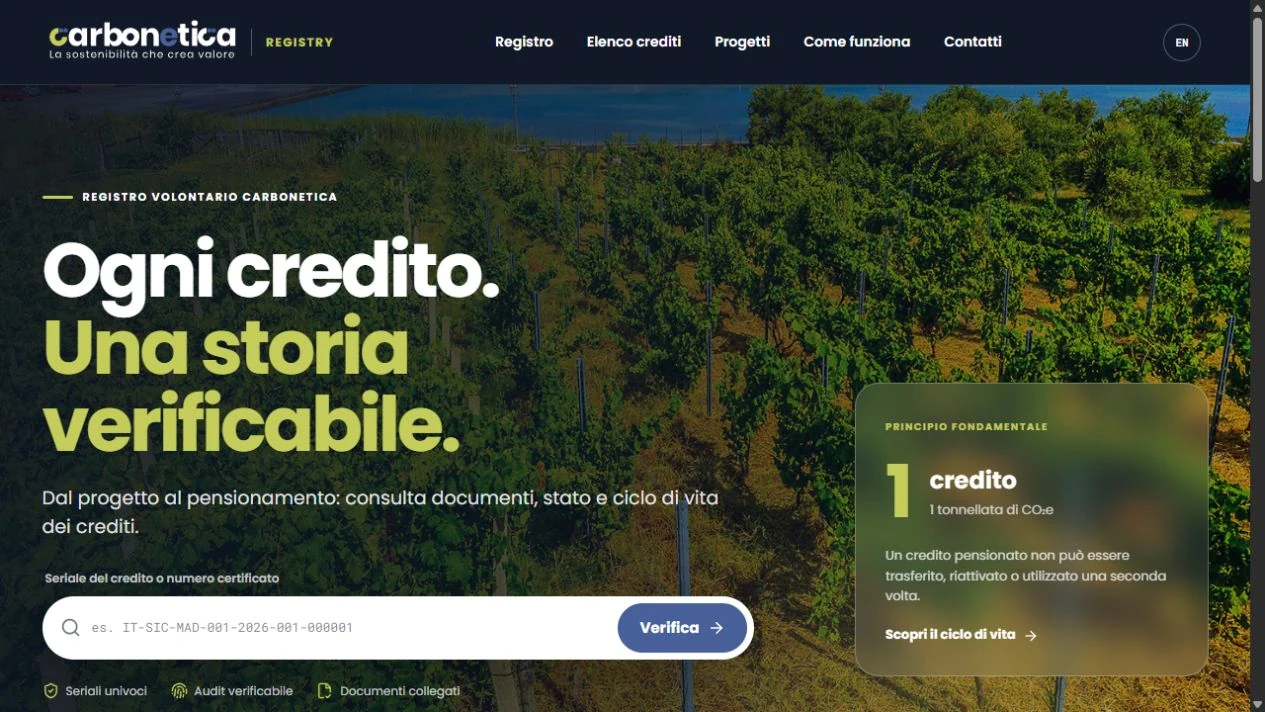
Cover: an authentic public screenshot of Carbonetica Registry from the authorised portfolio archive. The situations below are teaching examples, not incidents or support commitments relating to that project.
Separate fixes, adaptations and new features
Labels help with decisions, but the agreement must define the actual scope. Describe the expected result before classifying the work.
- Correction: agreed behaviour fails. For example, a document is not produced with the expected data.
- Adaptation: the environment or an external service changes and the existing function needs to keep working. For example, an integration requires a different format.
- Enhancement: the business requests a new capability, such as another approval step or a report outside the original scope.
- Prevention: a weakness is addressed before it causes problems, such as clarifying a check or assessing a component update.
A new requirement does not become a defect simply because it is urgent. Equally, finding an error does not by itself establish who pays for the work: the agreement, cause and verified scope matter.
Assign responsibilities your team can use
Name an internal contact who can explain the operational impact and a technical contact who can assess dependencies and risks. Define who approves spending and new features. Where several suppliers are involved, agree who coordinates an issue before its cause is known.
State who looks after the application, hosting, backups, accounts and external services. A development agreement does not automatically put every component under the same person’s control. The NIST Secure Software Development Framework also addresses vulnerability management through the life cycle. It is a methodological reference, not a claim that the project is certified.
Make a report that can be investigated
A useful report distinguishes observed behaviour from the expected result. Use these fields:
- the interrupted task and people affected;
- the time of the issue and version, where available;
- steps that reproduce it;
- expected and actual results;
- any temporary way to continue;
- a case reference with confidential data removed;
- the person able to verify a solution.
Fictional example: one operator cannot close a request while others can work. Before assigning the highest priority, check the affected role, whether the issue can be reproduced and whether an approved workaround exists. Data loss or inappropriate access needs urgent assessment even when only a few users are affected.
Agree priorities and distinguish response from resolution
Define urgency through impact, reach and the ability to continue working. A response confirms that someone is assessing the report; resolution requires diagnosis, a change and verification. Specify support hours, reporting channel, update frequency and the route for urgent issues.
No universal response time suits every application. Ask which commitments can actually be supported and which depend on third parties. Enhancement requests should enter a prioritised list with an expected benefit, an estimate for approval and a clear definition of completion.
Check a change before and after release
The plan should state where the change is tested, who authorises release and which existing workflows need to be checked again. Record the version, completed tests, open issues and recovery method. For data changes, discuss how to prevent loss or duplication: restoring the code does not automatically restore the data state.
Microsoft’s guidance on safe deployment practices, written for Azure, recommends small changes and checks between stages. The useful principle for a buyer is to make each intervention identifiable and verifiable. The implementation depends on the system.
Review the plan alongside the budget
At each review, compare completed requests, recurring issues, updates to schedule and outstanding work. Separate routine management costs, external services and approved enhancements. Also agree how documentation and access can be handed over if the supplier changes.
More tickets may reflect more users or a new process rather than poorer quality alone. Read the numbers alongside the work the software needs to support.
Planning custom business software with E-ROE? Bring your main workflow, external dependencies and the operating hours when downtime would be most disruptive. These help assess feasibility and responsibilities after launch, without assuming that an on-call service is already included.