A service page says what you do. A documented project lets a visitor understand how you did it in a particular situation. That is why a projects section can help a showcase website: it is evidence of decisions, work and outcomes that you can actually show, rather than a gallery to fill.
You do not need dozens of cases. One relevant project, clearly explained and approved for publication, is worth more than many photographs without context. If you cannot show a client’s name, images or data, there are still honest ways to explain how you work. The essential rule is not to present illustrative material as if it documented a real commission.
The short answer: what a project should demonstrate
Someone evaluating a business or professional has practical questions: have you faced a similar need before? Which part of the work did you carry out? Which constraints did you handle? What was delivered? How can they ask about a similar project?
A useful page covers context, need, work, evidence and next step. It need not promise that everyone will get the same outcome. If you have measured results, give the period and source; if you do not, describe what can be checked without inventing percentages or testimonials.
Select a few projects that help people decide
Begin with the services you want to present. For each one, look for work that shows a situation a prospective client will recognise. If you offer several distinct services, do not use the same project as universal proof for all of them. A modest assignment can be valuable if it explains a frequent problem well.
Use this selection grid:
| Question | What to check before publication |
|---|---|
| Is it relevant? | Does the work relate to a service you still offer? |
| Is it understandable? | Can someone outside the industry follow the problem and your response? |
| Can you substantiate it? | Do you have material, stages or deliverables that support the description? |
| May you publish it? | Have you checked permissions for names, images and confidential details? |
| Is it current? | Do status, images and links still describe the work shown? |
The project need not be your largest or most photogenic. It should help the right visitor recognise their situation. If you are still planning the website structure, our guide to a showcase website homepage and contact page explains what belongs on the homepage and what deserves more detail elsewhere.
A project page someone can read in two minutes
Give it a descriptive title: the type of work, audience or problem addressed. “Project 12” and “Another success” tell a visitor little, particularly when they land directly from search or a service page.
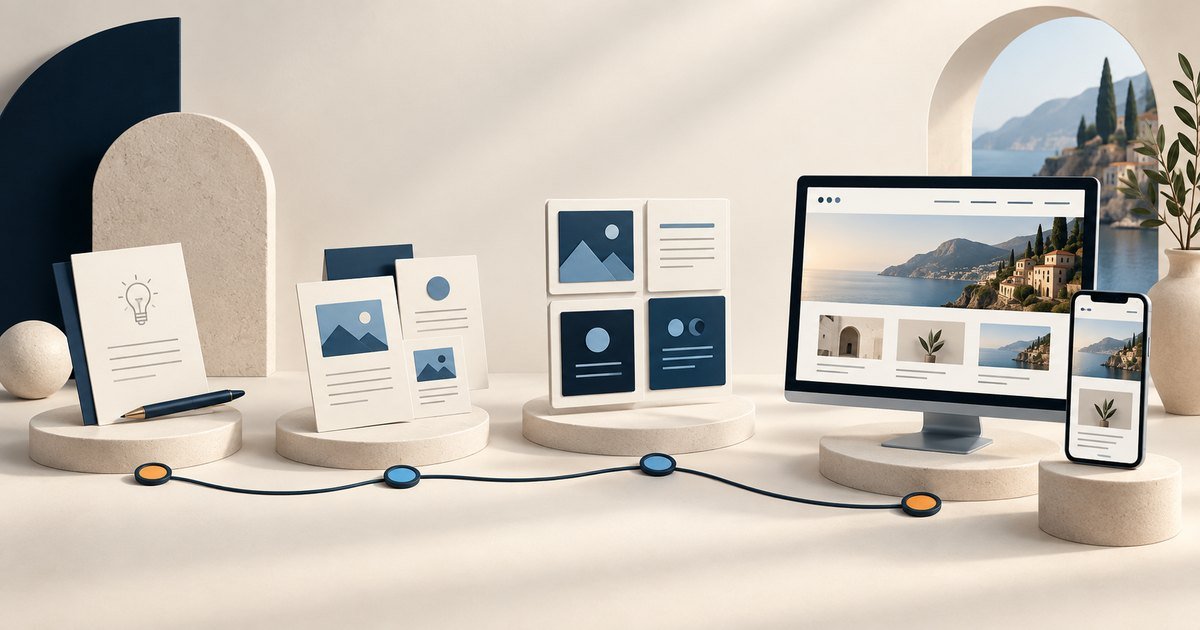
Then use five steps:
- Starting situation. What did the client need, within the limits of what you may disclose?
- Scope. Which work was yours and which parts were handled by others?
- Decision. What choices addressed the need or a concrete constraint?
- Verifiable delivery. What work, material or function was produced?
- Useful link. Which service does the case relate to, and what should someone provide when enquiring about a similar project?
Hypothetical example: a craft workshop makes a fitted piece of furniture for a local venue. The page could explain the space constraints, agreed materials and stages of work that can be photographed. It should not claim that the client’s revenue grew unless the figure and its link to the work are supported. This example illustrates the structure; it does not describe a project by E-ROE or one of its clients.
For the same level of clarity on your homepage and service pages, read E-ROE’s guide to business website copy.
Photographs, names and numbers: separate evidence from illustration
A photograph of the actual work can show scale, materials, stages or the result. Add a short caption explaining what it depicts. If you use a generated or stock image to illustrate a general idea, make its purpose clear: it is not evidence of that project.
Before using a client’s name, logo, face, location or other details, check that they can be published in the intended context. If a project is confidential, consider an anonymous description only when it does not reveal information indirectly. A photograph can disclose details omitted from the text.
Numbers need equal care. “20 more enquiries” is incomplete without a period, starting point, source and counting method. If that information does not exist, do not turn an impression into a metric. Describe what was delivered, how the work was carried out and which checks were completed.
Google’s image guidance recommends relevant images and descriptive alternative text. Alt text should explain the image for someone who cannot see it, without forcing in repeated keywords.
What if you cannot publish any client projects?
Do not fill the page with fictional cases. You can explain your process: which information you request, which decisions you make with the client, which materials you deliver and how revisions work. Answer common questions on service pages and use authentic photographs of your workspace or work when they are relevant and publishable.
If you have real assignments but no permission to show them, do not automatically turn them into “anonymous case studies”. Ask which parts may be published. If none can, leave the case off the site. An empty or generic project page adds little to a visitor’s decision.
For some businesses, including tradespeople, photographs and a clear service area help visitors frame a more useful enquiry. E-ROE’s guide to websites for tradespeople explores that specific route.
Connect each project to the service and the enquiry
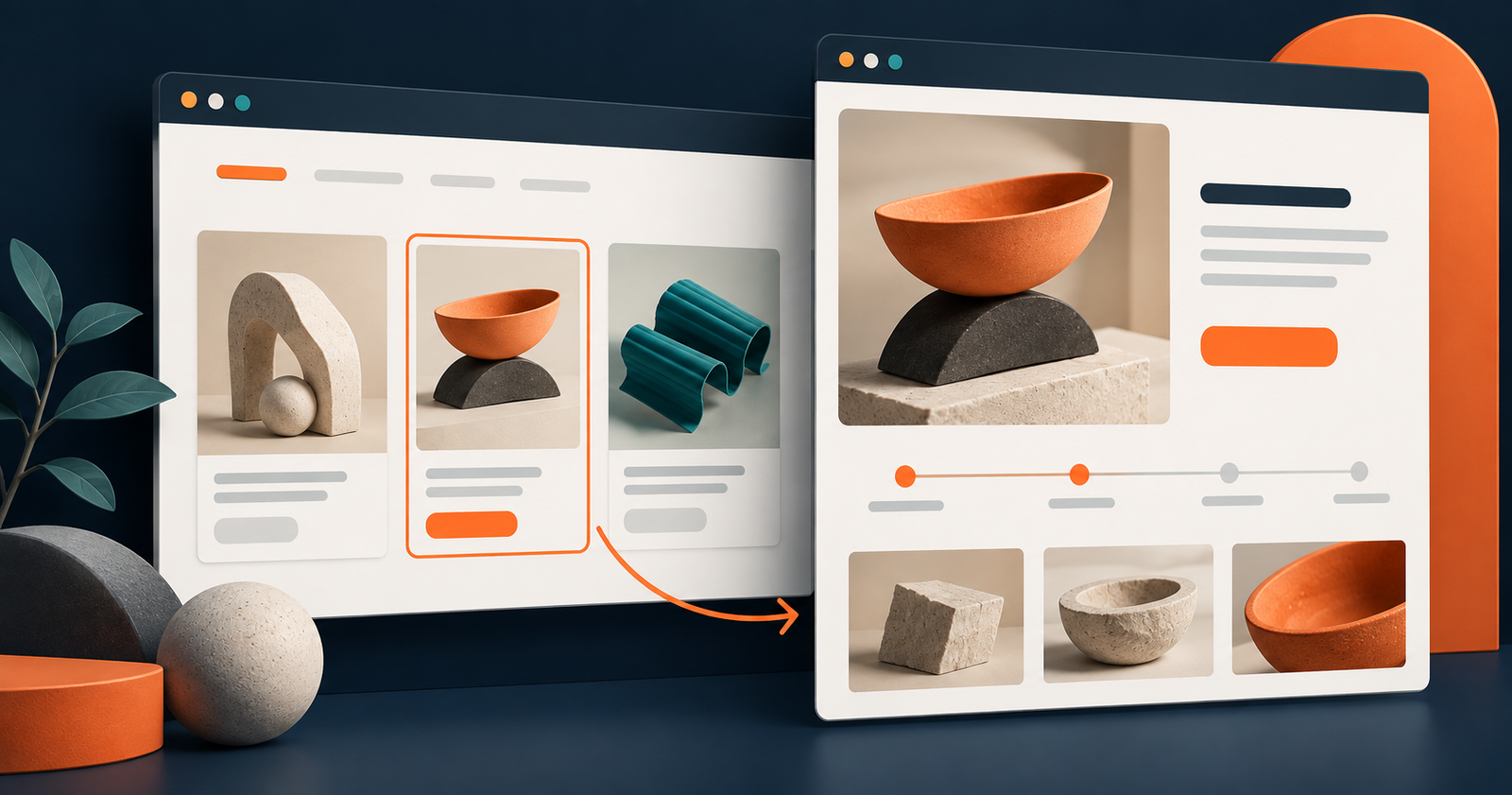
Someone can arrive at a project page straight from Google. They should immediately understand the business, find the relevant service and know what to do next. A service page can feature one or two matching cases; a project page can link back to the service and ask a concrete question at the point of contact.
For example, instead of “Contact us for any information”, ask visitors to describe the kind of work, location and main constraints. Keep the first enquiry form proportionate to that first conversation. If the site has a form, check that a successfully submitted enquiry actually reaches the person who must follow it up.
Avoid creating one near-identical project page for each town or keyword variant. A useful case has specific content and a natural link to the service. Google’s guidance on helpful content encourages original information and first-hand experience for the people reading the page.
Final check before publication
- Does the title say what work was done?
- Is it clear which work you did and which work was outside your scope?
- Do photographs and captions document the project described?
- May the client’s name, logo, people and details be published?
- Does each number have a period, source and clear meaning?
- Does the page link to the right service and offer a useful next step?
- Are images, text and buttons easy to use on a phone?
- Has someone been assigned to review the case if the service or project changes?
Frequently asked questions
How many projects does a showcase website need?
There is no universal minimum. Begin with work you can document that answers the questions of the customers you want to reach. A small, carefully maintained selection is more useful than many generic pages.
Can I present a project without naming the client?
Possibly, but check whether the description, photographs and other details might still identify the client or expose confidential information. Removing the name alone is not enough.
Does a review replace a case study?
No. A review reports the experience of the person who wrote it; a project page explains context, work and decisions. Both can help when they are genuine and suitable for publication.
Must I show financial outcomes to make a project interesting?
No. If you do not have reliable measurements, describe what was done and delivered. Do not attribute unverified commercial outcomes to the project.
Next step
A showcase website helps someone new to your business understand services, evidence and how you work. E-ROE builds custom showcase websites for businesses and professionals. If you have projects to organise or are unsure which material you may use, tell us about your website: we can start with what exists and plan clear pages and a suitable enquiry path.