
Before redesigning a website, prepare a map linking every current page to its destination on the new site. Decide whether to keep each address, move it to an equivalent page, or remove it because it no longer serves a purpose. This gives the team a way to review decisions before useful content, links and enquiry paths disappear.
The guide on when to redesign your website helps you decide whether a rebuild is needed. This article starts after that decision: how to prepare the move while keeping useful addresses through a visual redesign.
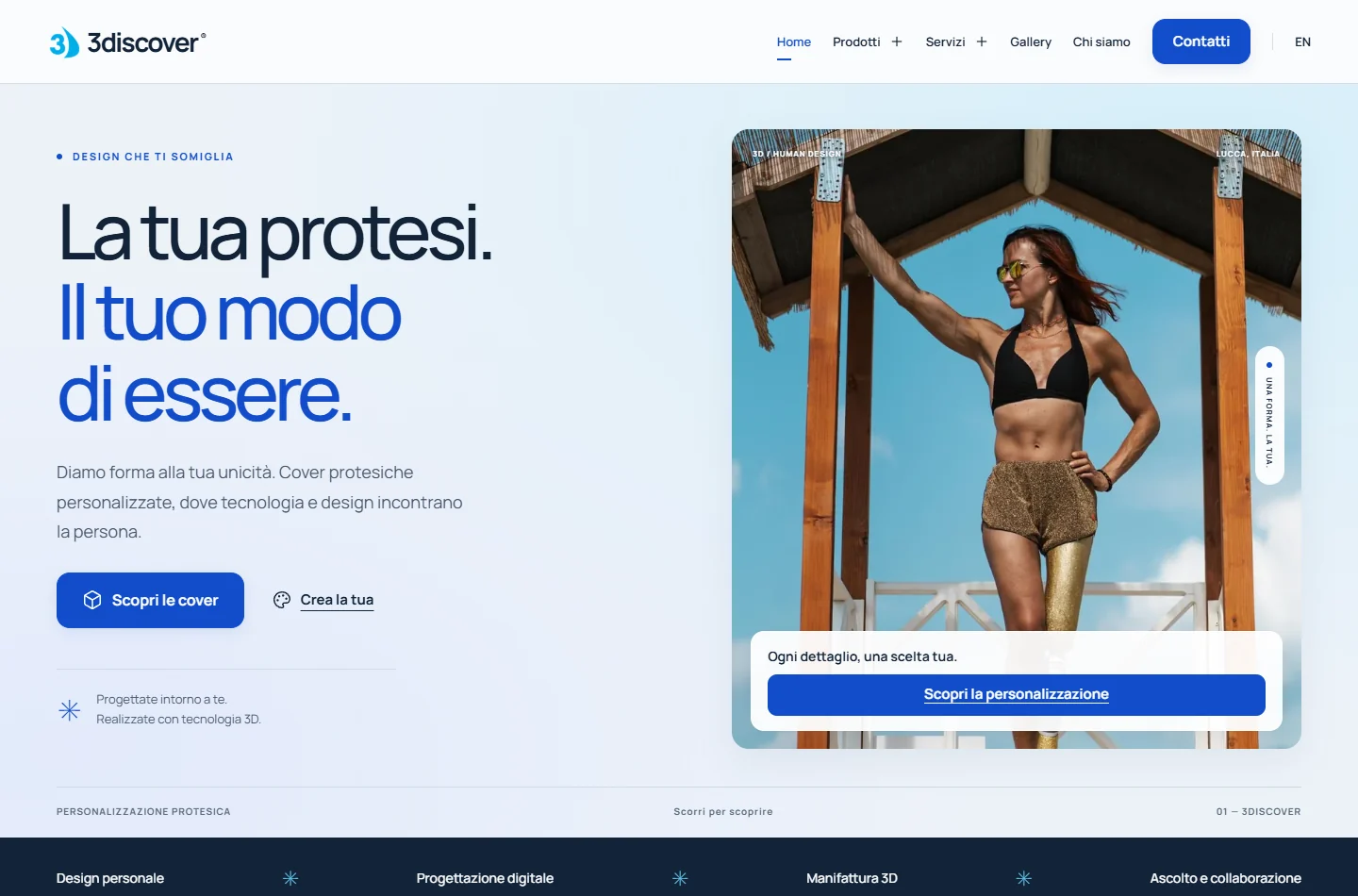
Cover: an authentic screenshot of the 3discover website from the authorised portfolio archive. It illustrates a business website; it does not document an SEO migration.
Collect addresses before drawing the new menu
Start with the sitemap, then compare it with addresses found by browsing the site and with any available Search Console data. Include PDFs, images and campaign pages still reachable through external links. A page can receive visits even when it is absent from the menu.
For each page, record its subject, related service, language and intended next action. If enquiry data is available, include the reporting period and collection method; otherwise mark it as unavailable. A page with few visits may still hold an important document for existing customers.
Use a decision table, not just a redirect list
The following addresses are fictional examples that explain the method, not pages belonging to a client.
- Current page: /services/maintenance/
Decision: Keep its address and purpose
Evidence needed: The new page answers the same need - Current page: /old-service/
Decision: Move to an equivalent service
Evidence needed: The old link goes directly to the new page - Current page: /past-event/
Decision: Consider archiving or removal
Evidence needed: Does it still contain useful information?
Add an owner and a status: awaiting decision, approved or checked. Choose destinations based on content. Sending every old page to the homepage can leave someone looking for a specific service without a useful next step.
Keep useful content and check language versions
A new design does not automatically require new URLs. When a page keeps the same purpose, first consider retaining its address, accurate information and links. If several pages are merged, check that the destination includes the useful answers from the earlier pages.
For an Italian and English website, prepare two connected maps. An old English service page should lead to its English equivalent where one exists. Check that language switches and links between versions do not point to removed pages. Review the translation itself as well as the slug.
Ask for evidence before launch
For permanent moves, Google documents server-side 301 and 308 redirects. Ask the technical owner to verify the actual behaviour: starting address, intermediate steps, destination and final response. A link being clickable does not establish that the configuration is correct.
- Retained pages load and contain the approved information.
- Moved addresses reach relevant destinations without loops.
- Menus, links in the text and the sitemap use final addresses.
- Public pages do not accidentally retain the indexing restrictions used for previews.
- Visitors on a phone can read, switch language and reach the contact details.
Agree who can approve the switch and which saved version allows a rollback. Make this operational decision before launch day.
Keep checking after the move
Retain the approved map and record errors found after launch. Google’s site move guidance notes that temporary ranking fluctuations can occur and recommends keeping redirects for at least a year. Agree on checks, owners and a response when the result differs from the plan, without promising unchanged rankings.
To prepare your redesign, bring the site address, a list of pages that need to stay and the problems you want to solve. Discuss your showcase website with E-ROE: a URL map helps identify which changes are needed and which simply add work.


