
A website handover is complete when your business knows where its accounts and materials are, who can make changes and how to check that the site keeps working. A homepage link and a list of passwords are only part of the job. You also need tested access, instructions for the agreed tasks and clear responsibilities.
By Matteo Dosi, E-ROE. Planning the handover during the project makes ongoing management easier, including when the same supplier continues to provide support.
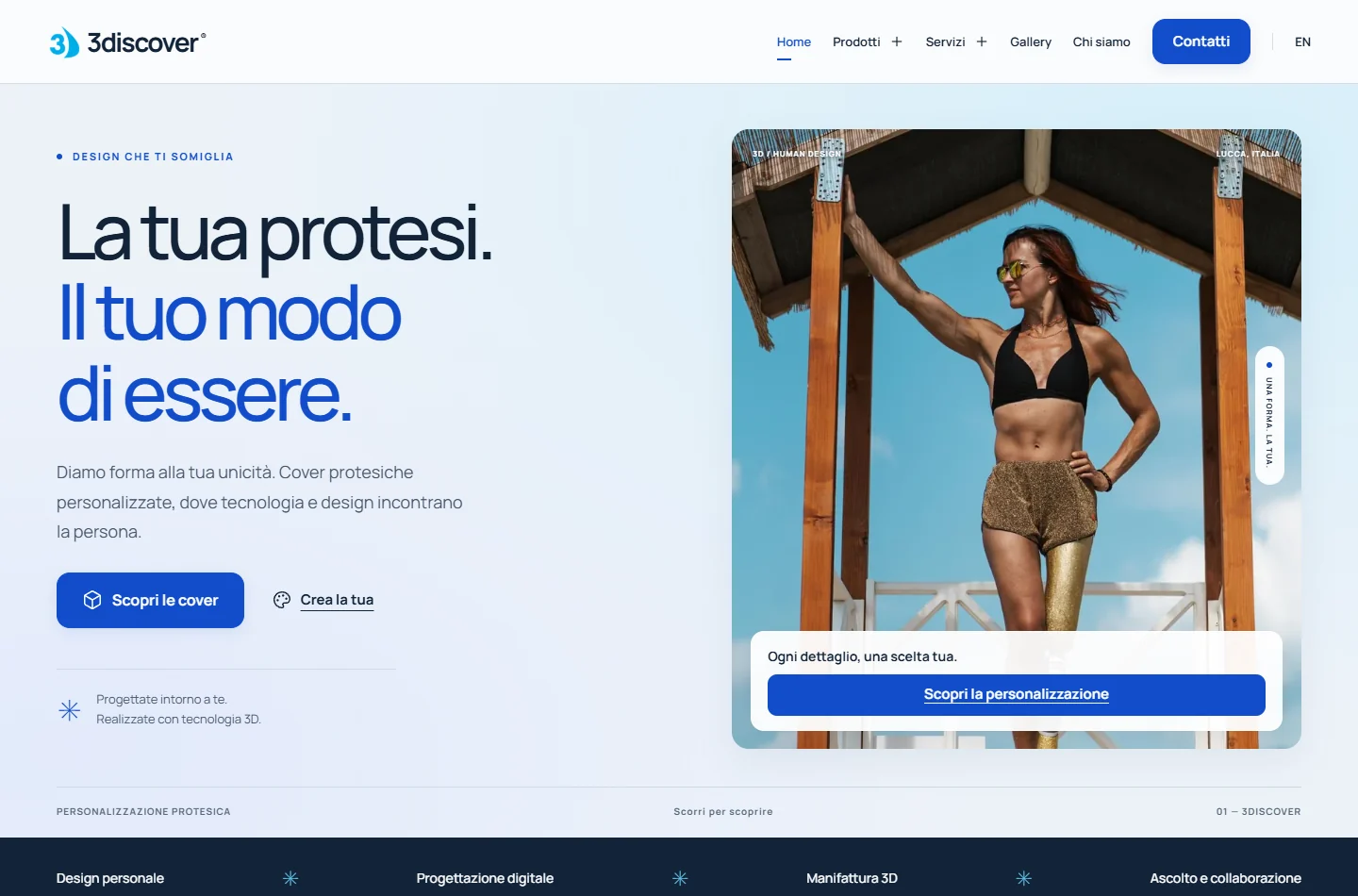
Cover: an authentic screenshot of the 3discover website from the authorised portfolio archive. This general checklist does not describe that project’s accounts or contractual terms.
List the services the website depends on
For each item, record the service, verified account ownership, responsible person, access method and renewal. Keep credentials in a dedicated password manager rather than in the handover record. Distinguish the account holder, the person paying and the person able to administer it: these may be different people.
- Domain and DNS: registrar, management account, expiry and the person authorised to approve changes.
- Hosting and publishing: the environment serving the site and the person responsible for releases.
- Content: CMS access, or a process for requesting changes if there is no editor.
- Forms and integrations: enquiry recipients, booking services and external systems actually in use.
- Measurement: analytics and Search Console properties, where active, with roles assigned to the business.
- Materials and licences: copy, photographs, logos, fonts and components, including usage restrictions and recurring costs to check.
Google distinguishes Search Console owners from users with different permissions. Receiving an invitation does not establish that your business controls the property; check the actual role. Agree any removal with the person managing the property because verification tokens need separate attention.
Define which copy you are receiving
Ask what the package contains and what it can be used for. A recovery package may differ from the development files. An export of the text does not establish that another developer can recreate the complete site.
In WordPress, the Export tool produces an XML file of content. Complete recovery also requires assessing files, the database, configuration and external services. For a site generated from source code, ask where the project, build instructions and publishing procedure are kept. For a hosted platform, check its available exports and their limits.
The handover record should identify the materials covered by your agreement, any third-party licence restrictions and who can retrieve them. Clarify code ownership in the project agreement rather than assuming it follows automatically from paying for the site.
Use a few observable checks
Arrange a session with your internal contact. Record the date, person present, outcome and any open issue for each check. Agree in advance on tasks that change the site or generate enquiries.
- Access: the internal contact signs into the area they need using their own account, without relying on a supplier’s personal login.
- Routine edit: change a test detail in a preview and check how it would be published. If there is no CMS, verify the process for requesting and approving a change.
- Website enquiry: make an authorised submission clearly identified as a test to an agreed inbox; confirm receipt rather than relying solely on the on-screen message.
- Recovery: the technical owner documents a restore test in a separate environment, with the backup date and recovery limits.
Mark each item as completed, pending with an owner and deadline, or not applicable with a reason. This prevents an empty box from being mistaken for completed work.
Describe what happens after launch
Separate corrections within the agreed scope, routine updates, new pages and external service charges. State how requests are submitted, who approves them and the support hours. A response time and a resolution time are different commitments; ask for clear definitions rather than assuming continuous availability.
For ongoing work, see the guide to website management and maintenance costs. If you are replacing a website, also keep the URL map for the redesign. That document manages page destinations; the handover record manages materials and responsibilities.
The minimum record to keep
Bring together the account register, material locations, editing instructions, completed checks and outstanding tasks. Add support contacts, renewals and the next review date. Your internal contact should be able to understand it without knowing development terminology.
Planning a showcase website with E-ROE? Bring a list of the people who will use it and the changes they will need to make. The project can then define what should be handed over and how to check the transition to ongoing management.